The Neural Silhouette
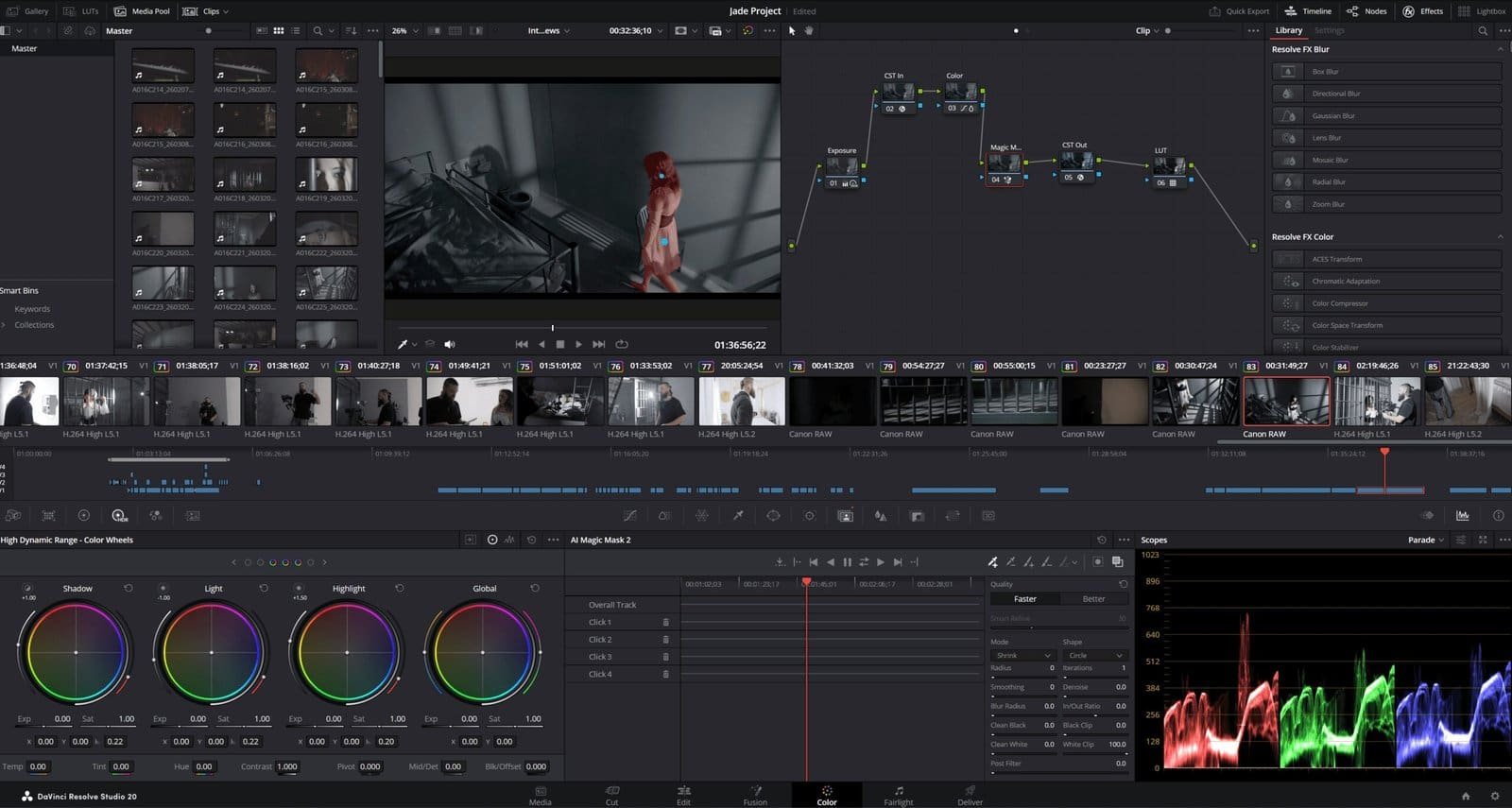
Extracting a moving subject from a busy frame used to be tedious, requiring frame-by-frame rotoscoping and a lot of patience. With the arrival of Magic Mask in DaVinci Resolve, the process changed completely. Now, the software can identify people and objects with impressive accuracy, making the work faster and more precise.
The DaVinci Neural Engine powers this tool, analyzing motion, texture, and fine details as it tracks a subject throughout a clip. For colorists, this is a major improvement. It allows us to adjust lighting on a face or change the color of clothing without relying on traditional power windows or manual tracking. The process is easier, but the creative control remains strong.
Object Selection vs. Person Masking
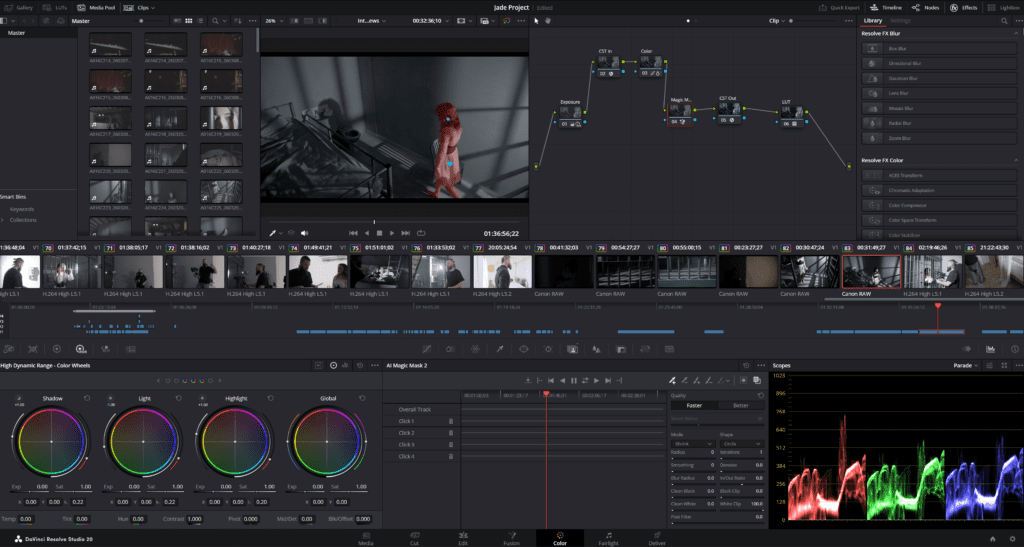
Magic Mask offers two main options: Object Mask and Person Mask. The Person Mask is very precise, able to select the entire human shape or focus on specific parts like arms, legs, or clothing. With just a quick stroke, the AI can identify who is part of the scene and who is not.
Object Masking is more general, able to find cars, props, animals, or anything else moving in the frame. The software uses semantic segmentation, which means it looks for the concept of an object or person, not just colors. This helps the mask stay accurate even if the subject is partly hidden or turns away from the camera.
The Tracking Pipeline | Temporal consistency
After you mark your subject, Magic Mask tracks them frame by frame. Using the tracking buttons, the Neural Engine follows the movement of pixels and keeps the mask attached to the subject as they move through the shot. The tracking is consistent and reliable.
“Temporal consistency is the primary metric of a successful mask. If the edges ‘chatter’ or flutter between frames, the technical integrity of the grade is compromised. The Magic Mask engine utilizes bidirectional tracking—moving both forward and backward from the reference frame—to minimize these artifacts and deliver a smooth, cinematic transition.”
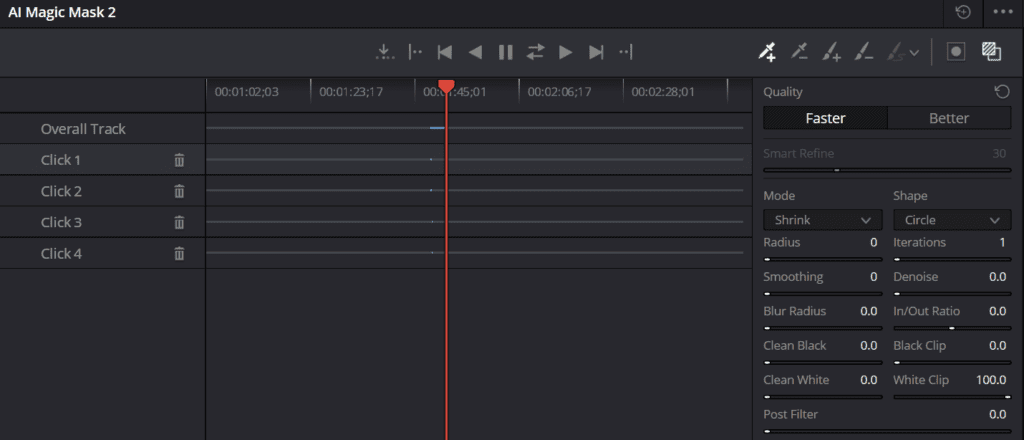
When the movement is complex, such as someone walking through uneven lighting or shadows, the ‘Quality’ setting becomes important. Switching from ‘Faster’ to ‘Better’ makes the neural engine analyze more carefully, improving edge sharpness and capturing small details like hair and fabric. This helps maintain high-quality results.
Improving the Matte | Post-Neural Adjustments
The AI handles most of the work, but the final adjustments are up to us. Controls like Radius, Consistency, and Softness help blend the mask smoothly into the scene. Clean Black and Clean White sliders remove unwanted pixels from the background. While perfect results are difficult, these tools help us get very close.
The Invert function lets you select the background instead of the subject. By masking the subject and then inverting the mask, you can change the background’s color or blur it, while keeping the subject unchanged. This effect can create the look of professional lenses and lighting using only digital tools.
Hardware Considerations
Magic Mask requires a lot of GPU and VRAM resources. To keep things running smoothly, it helps to cache nodes or render in place after the mask is set. This prevents the computer from recalculating the mask every time you play the timeline, allowing you to focus on creative work instead of technical issues.
CINEMATIC PRECISION
Learning to use Magic Mask helps you achieve cinematic isolation in your projects. To see examples of these neural tools in action, take a look at the breakdowns from our recent narrative work. The results speak for themselves.